

docker-compose.yml on port 3001 (the Express API server listens on 3000). SaaS users access the hosted dashboard at mergewatch.ai.
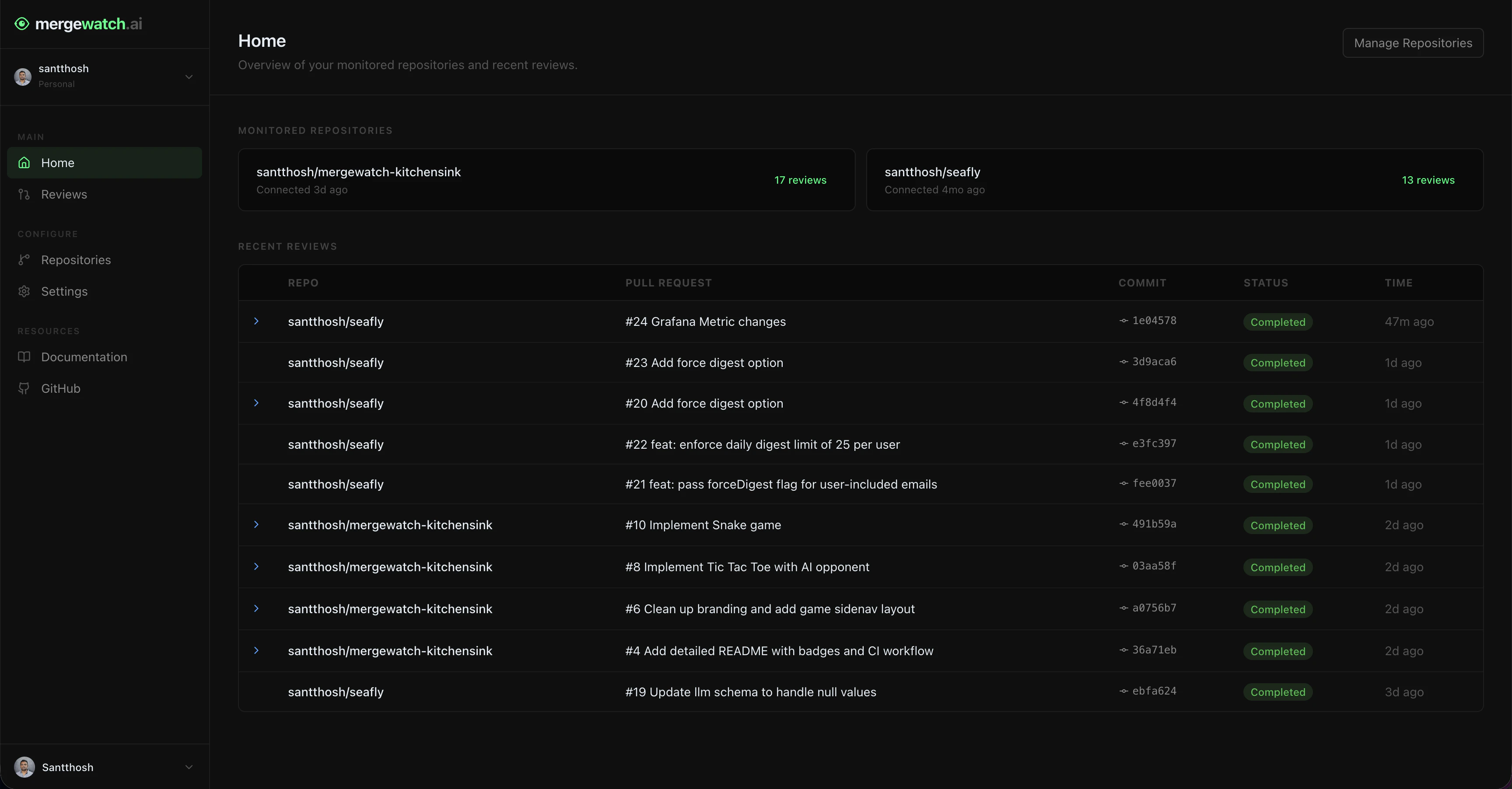
MergeWatch dashboard — home page with monitored repositories and recent reviews.
Authentication
MergeWatch uses GitHub OAuth via NextAuth.js. Click Sign in with GitHub on the login page. MergeWatch requests read access to your GitHub profile and organization membership — it does not request any repository access beyond what the GitHub App already has.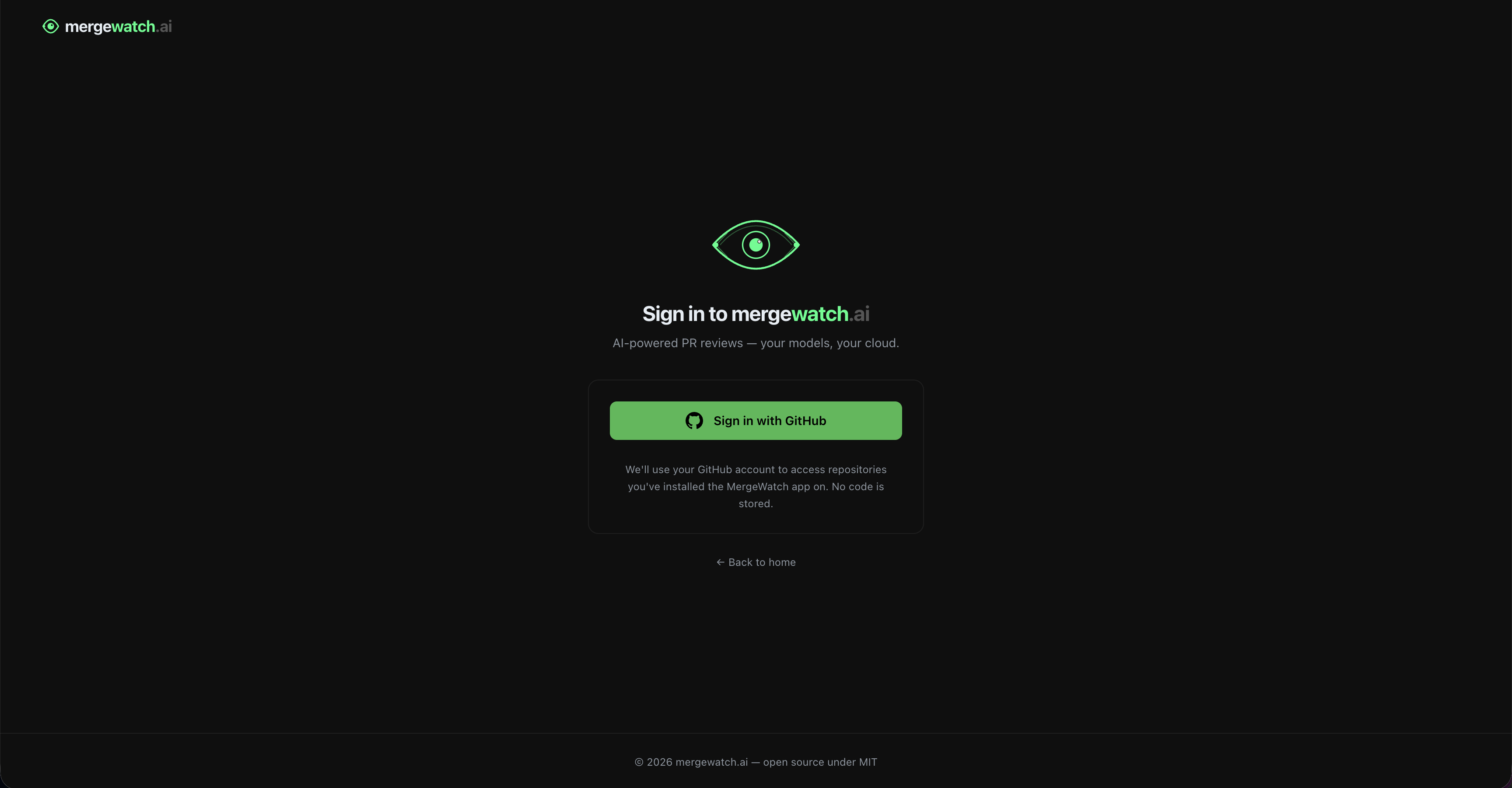
Sign in with your GitHub account — no code access is required.
Dashboard pages
Access control
Admin status is checked live against the GitHub API. Removing someone as an org owner immediately revokes their dashboard write access — no sync delay, no cache.
- All authenticated users can view reviews and repositories
- Only GitHub org owners can edit Settings
- Non-owners see the Settings page in read-only mode with an explanation banner
- All fields are disabled for non-owners — no partial access
Scoped to installation
The dashboard shows data for one GitHub App installation at a time. If you belong to multiple organizations with MergeWatch installed, each has its own isolated view. Switch installations using the org selector in the sidenav. Repository lists, review history, and settings are all scoped to the selected installation.Analytics
Track review trends, severity breakdowns, and team metrics.
Reviews
View review history, filter by status or severity, and inspect findings.
Repositories
Manage which repositories MergeWatch actively reviews.
Settings
Configure installation-level review settings for all repositories.