

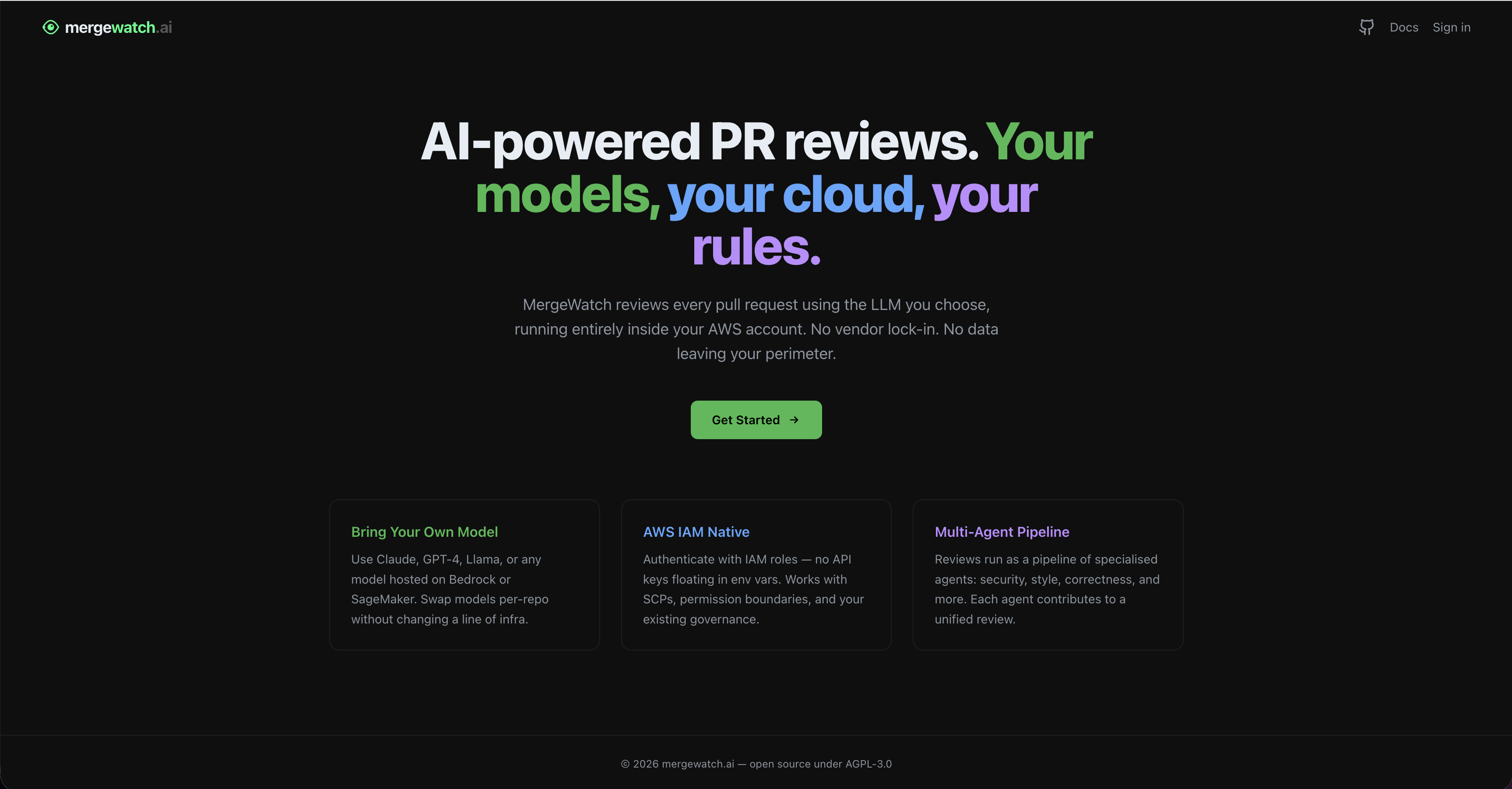
The MergeWatch landing page at mergewatch.ai.
Deployment
- Self-Hosted (Docker Compose)
- SaaS (AWS Amplify)
In self-hosted mode, the dashboard ships as a second service in your Access the dashboard at http://localhost:3001.
docker-compose.yml alongside the MergeWatch server and Postgres.Docker Compose configuration
The dashboard service is already included in the defaultdocker-compose.yml. Here is the relevant section:docker-compose.yml
Environment variables
Add these to your.env file:The dashboard reads from the MergeWatch Postgres database directly via
DATABASE_URL — there is no HTTP call from the dashboard to the Express server, so no NEXT_PUBLIC_API_URL is required.Start the dashboard
The dashboard starts automatically with the rest of the stack:Upgrade
GitHub authentication
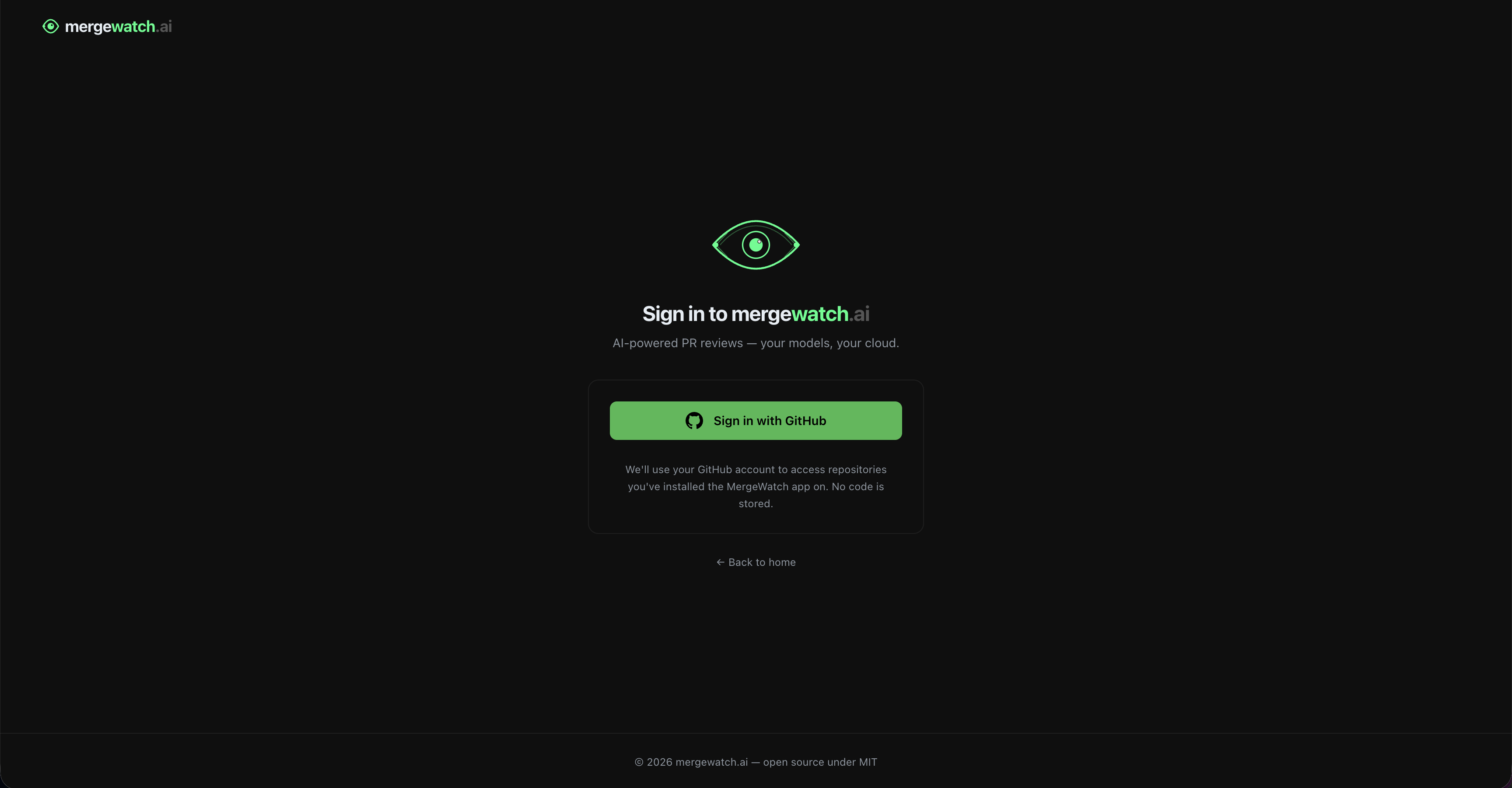
The sign-in page uses GitHub OAuth — no code access is required.
GitHub scopes requested
MergeWatch requests the minimum scopes needed:
The GitHub App installation permissions (not OAuth scopes) handle repository access — the OAuth login is purely for identity, not code access.
Organization support
- Org installation — when a GitHub App is installed on an org, any org member with admin rights can access the dashboard for that installation
- Access check — the dashboard calls
GET /orgs/{org}/members/{username}withrole=adminto verify the user is an org admin before showing settings controls - Multiple installations — a single user can have multiple installations (personal + multiple orgs). The dashboard shows all installations and lets them switch between them
- No separate org concept — GitHub’s own org membership model is the source of truth for access control
Session model
Sessions are stored as encrypted JWT cookies (default NextAuth behavior). No session database is needed. The JWT contains:- GitHub user ID and username
- OAuth access token (for GitHub API calls from the frontend)
- Installation IDs the user has access to
Connecting dashboard to backend
The dashboard’s Next.js API routes read from the same data store the webhook pipeline writes to — Postgres in self-hosted mode and DynamoDB in SaaS mode. There is no HTTP call from the dashboard to the Express/Lambda webhook server, so no public API URL environment variable is required. Access control lives in each/api/* route: it validates the NextAuth session, calls the GitHub API with the user’s OAuth token to confirm installation access, then reads/writes the store.
Troubleshooting
Build fails with 'Module not found'
Build fails with 'Module not found'
Run
npm ci locally and confirm the build passes before pushing. Check that package-lock.json is committed.Sign-in fails with 'Configuration' error
Sign-in fails with 'Configuration' error
The
NEXTAUTH_SECRET or NEXTAUTH_URL environment variables are missing or incorrect. Confirm NEXTAUTH_URL exactly matches your dashboard URL (no trailing slash).Blank dashboard after sign-in
Blank dashboard after sign-in
The dashboard cannot reach its data store. For self-hosted, verify
DATABASE_URL resolves inside the container (the db service must be healthy — docker compose ps should show it as healthy). For SaaS, confirm the dashboard’s IAM role can read the MergeWatch DynamoDB tables.GitHub returns 'redirect_uri_mismatch'
GitHub returns 'redirect_uri_mismatch'
Add your dashboard URL to your GitHub App’s Callback URLs in GitHub App settings (Settings > Developer settings > GitHub Apps > your app > General > Callback URL).
User sees wrong installation data
User sees wrong installation data
Confirm the
GITHUB_APP_ID matches your deployed GitHub App. Mismatches cause installation lookups to return empty results.Dashboard Overview
Learn about the dashboard pages and access control model.
Self-Hosting Install
Deploy the full stack with Docker Compose.