> ## Documentation Index
> Fetch the complete documentation index at: https://docs.mergewatch.ai/llms.txt
> Use this file to discover all available pages before exploring further.
# Dashboard Overview
> Monitor reviews, manage repositories, and configure MergeWatch from the dashboard.
The MergeWatch dashboard is a Next.js application that provides review history, repository management, and configuration. For self-hosted deployments, it runs as a second container in `docker-compose.yml` on port **3001** (the Express API server listens on 3000). SaaS users access the hosted dashboard at [mergewatch.ai](https://mergewatch.ai).
 ## Authentication
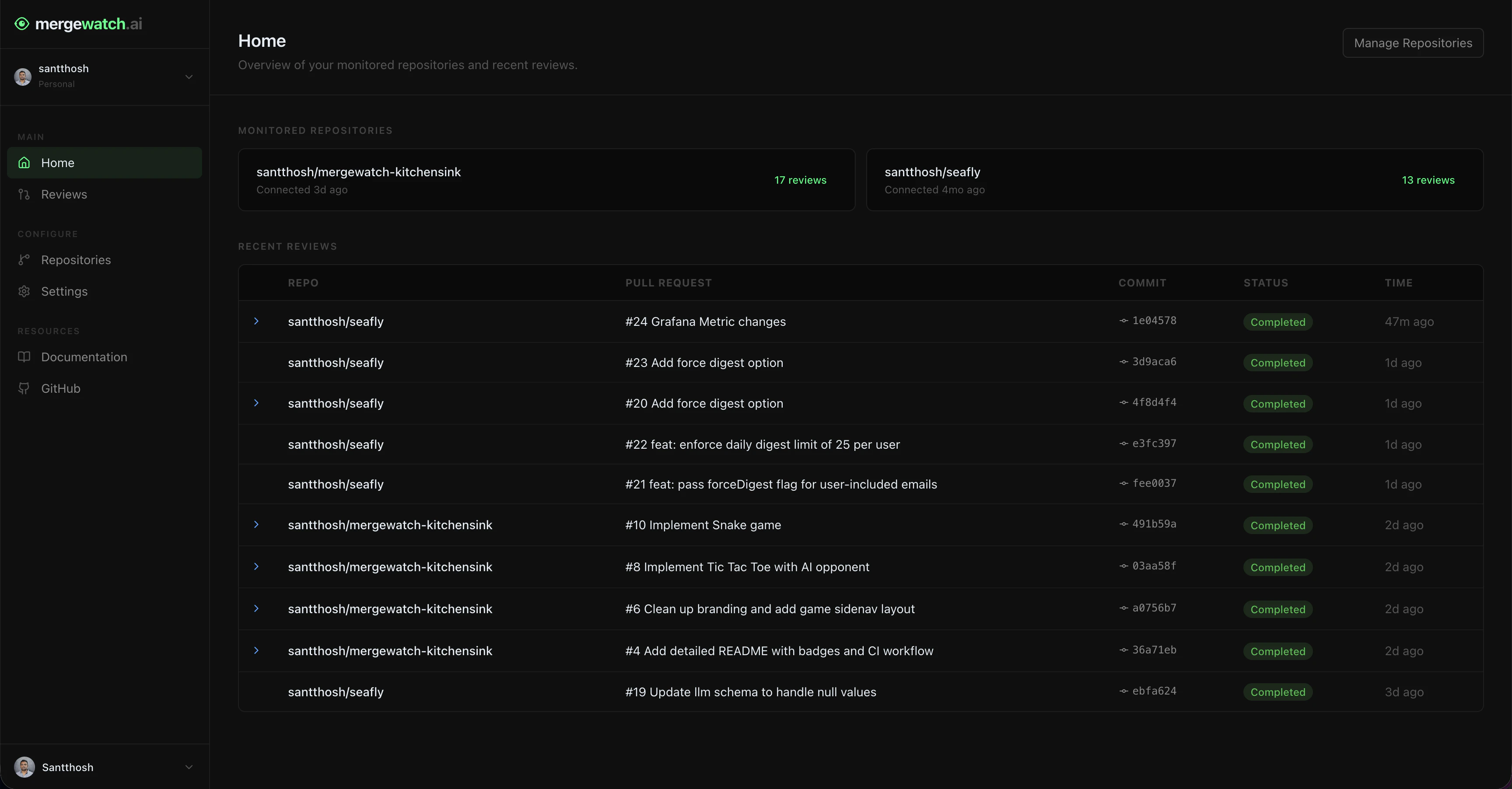
MergeWatch uses GitHub OAuth via NextAuth.js. Click **Sign in with GitHub** on the login page. MergeWatch requests read access to your GitHub profile and organization membership — it does not request any repository access beyond what the GitHub App already has.
## Authentication
MergeWatch uses GitHub OAuth via NextAuth.js. Click **Sign in with GitHub** on the login page. MergeWatch requests read access to your GitHub profile and organization membership — it does not request any repository access beyond what the GitHub App already has.
 ## Dashboard pages
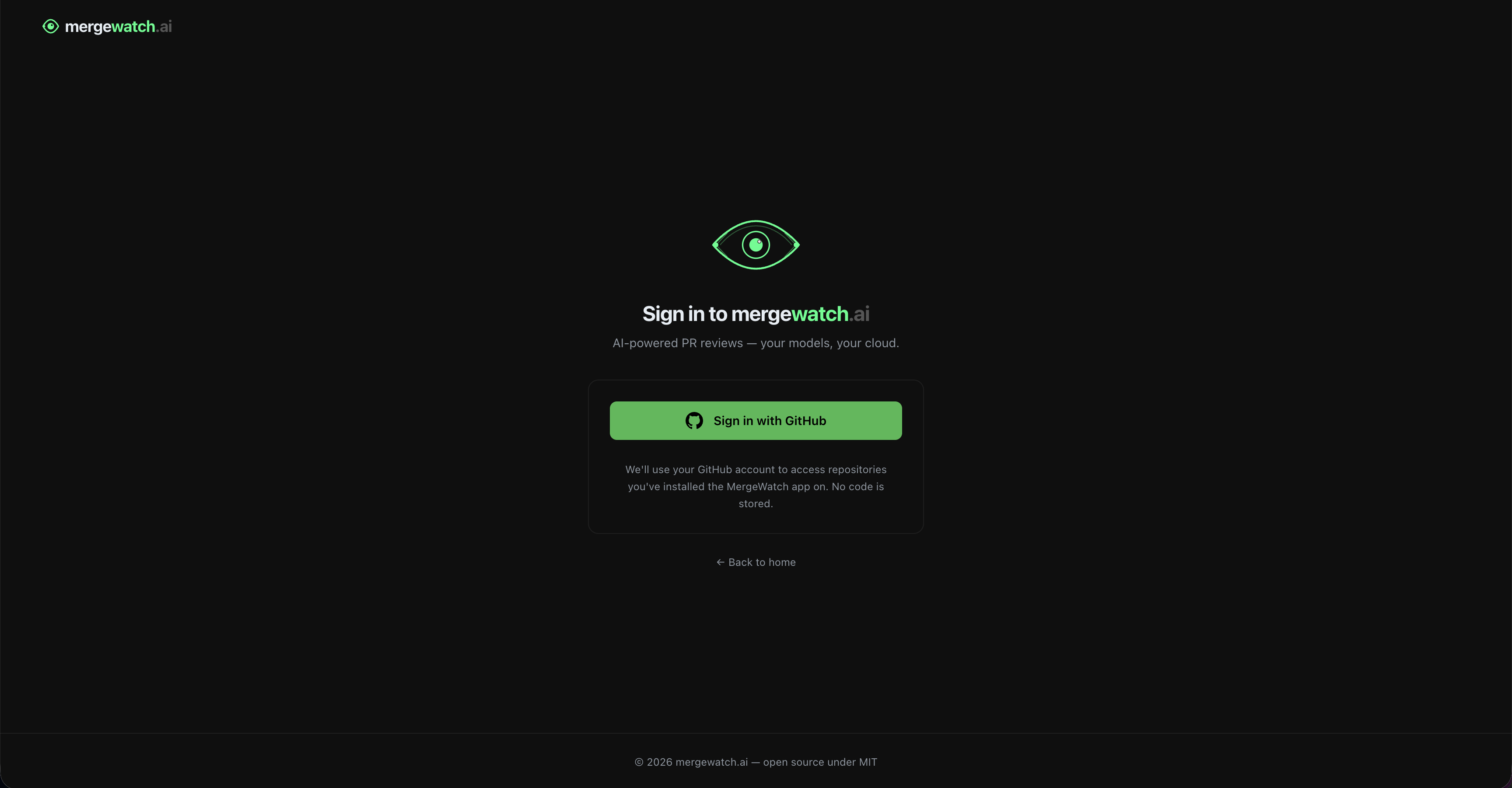
| Page | What it shows |
| ---------------- | -------------------------------------------------------------------- |
| **Home** | Recent activity, quick stats, system health |
| **Analytics** | Review trends, severity breakdowns, duration stats, category metrics |
| **Reviews** | Full review history with filters and detail drawer |
| **Repositories** | All repos in scope, enable/disable toggles |
| **Settings** | Installation-level review configuration |
| **Profile** | Your account, connected installations |
## Access control
Admin status is checked live against the GitHub API. Removing someone as an org owner immediately revokes their dashboard write access — no sync delay, no cache.
* All authenticated users can view reviews and repositories
* Only GitHub org owners can edit Settings
* Non-owners see the Settings page in read-only mode with an explanation banner
* All fields are disabled for non-owners — no partial access
## Scoped to installation
The dashboard shows data for one GitHub App installation at a time. If you belong to multiple organizations with MergeWatch installed, each has its own isolated view.
Switch installations using the **org selector** in the sidenav. Repository lists, review history, and settings are all scoped to the selected installation.
If you install MergeWatch on both a personal account and an organization, they appear as separate installations in the selector. Data does not cross installation boundaries.
***
Track review trends, severity breakdowns, and team metrics.
View review history, filter by status or severity, and inspect findings.
Manage which repositories MergeWatch actively reviews.
Configure installation-level review settings for all repositories.
## Dashboard pages
| Page | What it shows |
| ---------------- | -------------------------------------------------------------------- |
| **Home** | Recent activity, quick stats, system health |
| **Analytics** | Review trends, severity breakdowns, duration stats, category metrics |
| **Reviews** | Full review history with filters and detail drawer |
| **Repositories** | All repos in scope, enable/disable toggles |
| **Settings** | Installation-level review configuration |
| **Profile** | Your account, connected installations |
## Access control
Admin status is checked live against the GitHub API. Removing someone as an org owner immediately revokes their dashboard write access — no sync delay, no cache.
* All authenticated users can view reviews and repositories
* Only GitHub org owners can edit Settings
* Non-owners see the Settings page in read-only mode with an explanation banner
* All fields are disabled for non-owners — no partial access
## Scoped to installation
The dashboard shows data for one GitHub App installation at a time. If you belong to multiple organizations with MergeWatch installed, each has its own isolated view.
Switch installations using the **org selector** in the sidenav. Repository lists, review history, and settings are all scoped to the selected installation.
If you install MergeWatch on both a personal account and an organization, they appear as separate installations in the selector. Data does not cross installation boundaries.
***
Track review trends, severity breakdowns, and team metrics.
View review history, filter by status or severity, and inspect findings.
Manage which repositories MergeWatch actively reviews.
Configure installation-level review settings for all repositories.