> ## Documentation Index
> Fetch the complete documentation index at: https://docs.mergewatch.ai/llms.txt
> Use this file to discover all available pages before exploring further.
# Dashboard Deployment
> Deploy the MergeWatch dashboard — via Docker Compose for self-hosted or AWS Amplify for SaaS.
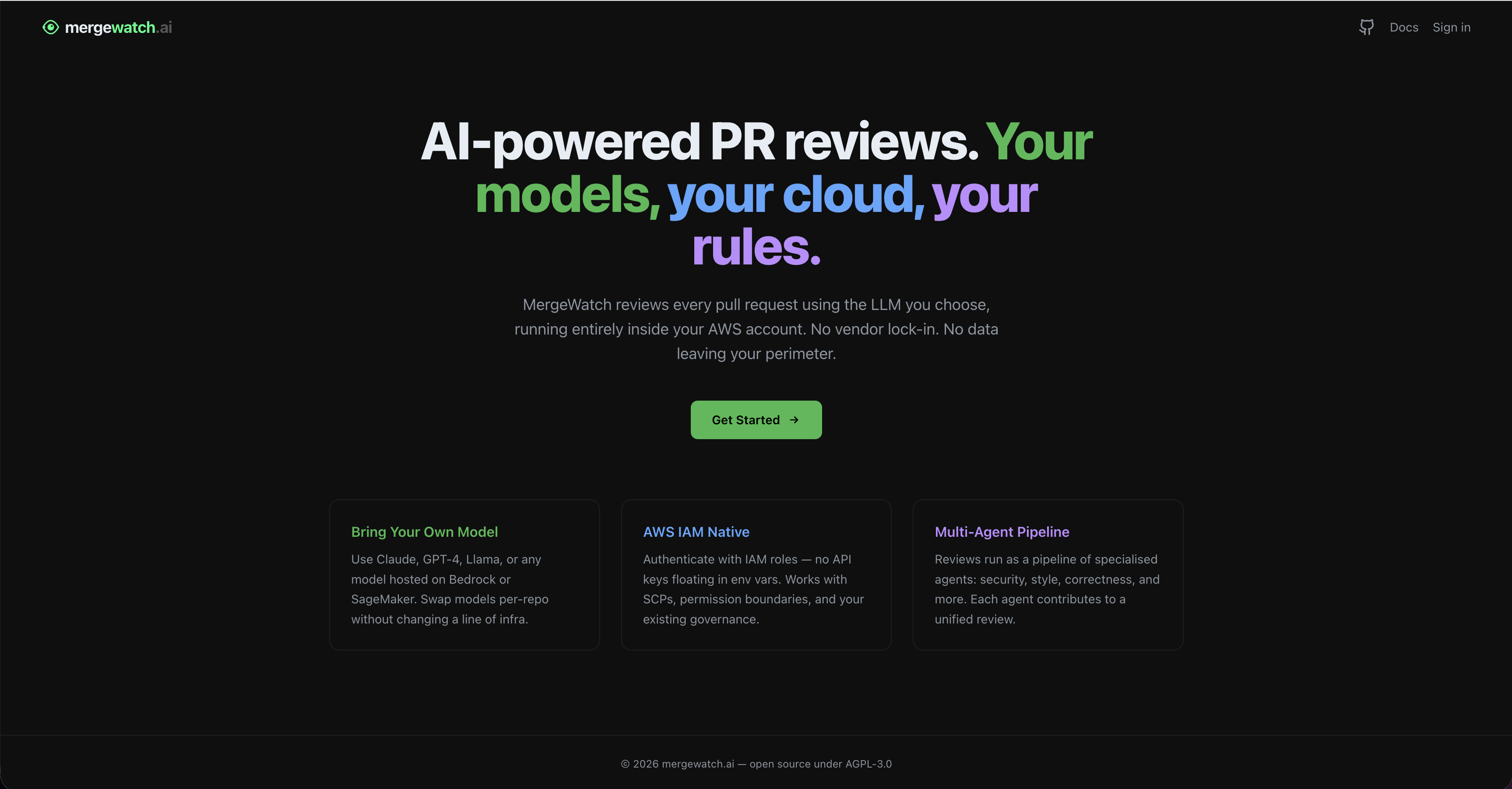
The MergeWatch dashboard is a Next.js application that provides a web UI for managing reviews, repositories, and settings. It authenticates users with GitHub OAuth and connects to the MergeWatch backend API.
 ## Deployment
In self-hosted mode, the dashboard ships as a second service in your `docker-compose.yml` alongside the MergeWatch server and Postgres.
### Docker Compose configuration
The dashboard service is already included in the default `docker-compose.yml`. Here is the relevant section:
```yaml docker-compose.yml theme={null}
dashboard:
image: ghcr.io/santthosh/mergewatch-dashboard:0.1.0
restart: unless-stopped
environment:
DEPLOYMENT_MODE: self-hosted
DATABASE_URL: postgres://postgres:postgres@db:5432/mergewatch
NEXTAUTH_URL: ${DASHBOARD_URL:-http://localhost:3001}
NEXTAUTH_SECRET: ${NEXTAUTH_SECRET}
GITHUB_CLIENT_ID: ${GITHUB_CLIENT_ID}
GITHUB_CLIENT_SECRET: ${GITHUB_CLIENT_SECRET}
PORT: "3001"
ports:
- "3001:3001"
depends_on:
mergewatch:
condition: service_healthy
```
### Environment variables
Add these to your `.env` file:
| Variable | Required | Description |
| ---------------------- | -------- | ---------------------------------------------------------------------------------------------------------------- |
| `GITHUB_CLIENT_ID` | Yes | OAuth client ID from your GitHub App's **OAuth Credentials** section (same App, not a separate OAuth App) |
| `GITHUB_CLIENT_SECRET` | Yes | OAuth client secret from your GitHub App |
| `NEXTAUTH_SECRET` | Yes | Random secret for NextAuth session signing. Generate with `openssl rand -base64 32` |
| `DASHBOARD_URL` | No | Public URL of the dashboard. Docker Compose wires this into `NEXTAUTH_URL`. Defaults to `http://localhost:3001`. |
The dashboard reads from the MergeWatch Postgres database directly via `DATABASE_URL` — there is no HTTP call from the dashboard to the Express server, so no `NEXT_PUBLIC_API_URL` is required.
### Start the dashboard
The dashboard starts automatically with the rest of the stack:
```bash theme={null}
docker compose up -d
```
Access the dashboard at [http://localhost:3001](http://localhost:3001).
### Upgrade
```bash theme={null}
docker compose pull dashboard
docker compose up -d dashboard
```
The SaaS dashboard runs on AWS Amplify with Git-native deploys. Push to `main` and Amplify builds and deploys automatically.
### Why Amplify
* **Zero server management** — Amplify handles builds, CDN, and SSL automatically
* **Git-native deploys** — push to `main`, Amplify builds and deploys
* **Environment variable management** — secrets stored in Amplify Console, injected at build time
* **Custom domain** — one-click custom domain with ACM certificate provisioning
### Prerequisites
* Your API Gateway URL from the SaaS stack
* Your GitHub App credentials (App ID, Client ID, Client Secret)
* An AWS account with Amplify access
### Environment variables
Configure these in the Amplify Console under **App settings > Environment variables**.
Never commit environment variables to your repository. Variables prefixed with `NEXT_PUBLIC_` are embedded in the client bundle and visible to users — do not use this prefix for secrets.
#### Required — GitHub OAuth
| Variable | Description | Where to find it |
| ---------------------- | ------------------------------------------ | --------------------------------------- |
| `GITHUB_CLIENT_ID` | GitHub App's OAuth Client ID | GitHub App settings > OAuth Credentials |
| `GITHUB_CLIENT_SECRET` | GitHub App's OAuth Client Secret | GitHub App settings > OAuth Credentials |
| `NEXTAUTH_SECRET` | Random secret for NextAuth session signing | Generate: `openssl rand -base64 32` |
| `NEXTAUTH_URL` | Full URL of your deployed dashboard | Your Amplify app URL |
#### Required — SaaS billing wiring
| Variable | Description | Where to find it |
| -------------------- | ------------------------------------------------- | --------------------------------------------- |
| `DEPLOYMENT_MODE` | Set to `saas` to enable the billing UI | Amplify env var |
| `BILLING_API_URL` | Base URL of the BillingHandler Lambda | SAM stack output: `BillingUrl` |
| `BILLING_API_SECRET` | Shared secret for dashboard → BillingHandler auth | SSM: `/mergewatch/{stage}/billing-api-secret` |
| `GITHUB_APP_ID` | GitHub App ID | GitHub App settings |
| `GITHUB_APP_SLUG` | GitHub App slug (used to build install URLs) | GitHub App settings |
### Deployment steps
1. Open the [AWS Amplify Console](https://console.aws.amazon.com/amplify/home)
2. Click **Create new app > Host web app**
3. Select **GitHub** as your source provider
4. Authorize Amplify to access your GitHub account
5. Select the repository and the `main` branch
6. Click **Next**
Amplify auto-detects Next.js. Confirm the build spec:
```yaml amplify.yml theme={null}
version: 1
frontend:
phases:
preBuild:
commands:
- npm ci
build:
commands:
- npm run build
artifacts:
baseDirectory: .next
files:
- '**/*'
cache:
paths:
- node_modules/**/*
```
Add all required environment variables under **Advanced settings > Environment variables** during setup, or navigate to **Amplify Console > Your app > App settings > Environment variables**.
Click **Save and deploy**. First deploy takes approximately 3-5 minutes. Subsequent deploys triggered by `git push` typically take 2-3 minutes.
Once deployed, copy your Amplify app URL (e.g. `https://main.abc123.amplifyapp.com`) and update the `NEXTAUTH_URL` environment variable. Trigger a redeploy.
Add this URL to your GitHub App's **Callback URLs** in GitHub App settings (Settings > Developer settings > GitHub Apps > your app > General > Callback URL).
In **App settings > Domain management**, add your custom domain. Amplify provisions an ACM certificate automatically. DNS propagation takes 10-30 minutes.
***
## GitHub authentication
## Deployment
In self-hosted mode, the dashboard ships as a second service in your `docker-compose.yml` alongside the MergeWatch server and Postgres.
### Docker Compose configuration
The dashboard service is already included in the default `docker-compose.yml`. Here is the relevant section:
```yaml docker-compose.yml theme={null}
dashboard:
image: ghcr.io/santthosh/mergewatch-dashboard:0.1.0
restart: unless-stopped
environment:
DEPLOYMENT_MODE: self-hosted
DATABASE_URL: postgres://postgres:postgres@db:5432/mergewatch
NEXTAUTH_URL: ${DASHBOARD_URL:-http://localhost:3001}
NEXTAUTH_SECRET: ${NEXTAUTH_SECRET}
GITHUB_CLIENT_ID: ${GITHUB_CLIENT_ID}
GITHUB_CLIENT_SECRET: ${GITHUB_CLIENT_SECRET}
PORT: "3001"
ports:
- "3001:3001"
depends_on:
mergewatch:
condition: service_healthy
```
### Environment variables
Add these to your `.env` file:
| Variable | Required | Description |
| ---------------------- | -------- | ---------------------------------------------------------------------------------------------------------------- |
| `GITHUB_CLIENT_ID` | Yes | OAuth client ID from your GitHub App's **OAuth Credentials** section (same App, not a separate OAuth App) |
| `GITHUB_CLIENT_SECRET` | Yes | OAuth client secret from your GitHub App |
| `NEXTAUTH_SECRET` | Yes | Random secret for NextAuth session signing. Generate with `openssl rand -base64 32` |
| `DASHBOARD_URL` | No | Public URL of the dashboard. Docker Compose wires this into `NEXTAUTH_URL`. Defaults to `http://localhost:3001`. |
The dashboard reads from the MergeWatch Postgres database directly via `DATABASE_URL` — there is no HTTP call from the dashboard to the Express server, so no `NEXT_PUBLIC_API_URL` is required.
### Start the dashboard
The dashboard starts automatically with the rest of the stack:
```bash theme={null}
docker compose up -d
```
Access the dashboard at [http://localhost:3001](http://localhost:3001).
### Upgrade
```bash theme={null}
docker compose pull dashboard
docker compose up -d dashboard
```
The SaaS dashboard runs on AWS Amplify with Git-native deploys. Push to `main` and Amplify builds and deploys automatically.
### Why Amplify
* **Zero server management** — Amplify handles builds, CDN, and SSL automatically
* **Git-native deploys** — push to `main`, Amplify builds and deploys
* **Environment variable management** — secrets stored in Amplify Console, injected at build time
* **Custom domain** — one-click custom domain with ACM certificate provisioning
### Prerequisites
* Your API Gateway URL from the SaaS stack
* Your GitHub App credentials (App ID, Client ID, Client Secret)
* An AWS account with Amplify access
### Environment variables
Configure these in the Amplify Console under **App settings > Environment variables**.
Never commit environment variables to your repository. Variables prefixed with `NEXT_PUBLIC_` are embedded in the client bundle and visible to users — do not use this prefix for secrets.
#### Required — GitHub OAuth
| Variable | Description | Where to find it |
| ---------------------- | ------------------------------------------ | --------------------------------------- |
| `GITHUB_CLIENT_ID` | GitHub App's OAuth Client ID | GitHub App settings > OAuth Credentials |
| `GITHUB_CLIENT_SECRET` | GitHub App's OAuth Client Secret | GitHub App settings > OAuth Credentials |
| `NEXTAUTH_SECRET` | Random secret for NextAuth session signing | Generate: `openssl rand -base64 32` |
| `NEXTAUTH_URL` | Full URL of your deployed dashboard | Your Amplify app URL |
#### Required — SaaS billing wiring
| Variable | Description | Where to find it |
| -------------------- | ------------------------------------------------- | --------------------------------------------- |
| `DEPLOYMENT_MODE` | Set to `saas` to enable the billing UI | Amplify env var |
| `BILLING_API_URL` | Base URL of the BillingHandler Lambda | SAM stack output: `BillingUrl` |
| `BILLING_API_SECRET` | Shared secret for dashboard → BillingHandler auth | SSM: `/mergewatch/{stage}/billing-api-secret` |
| `GITHUB_APP_ID` | GitHub App ID | GitHub App settings |
| `GITHUB_APP_SLUG` | GitHub App slug (used to build install URLs) | GitHub App settings |
### Deployment steps
1. Open the [AWS Amplify Console](https://console.aws.amazon.com/amplify/home)
2. Click **Create new app > Host web app**
3. Select **GitHub** as your source provider
4. Authorize Amplify to access your GitHub account
5. Select the repository and the `main` branch
6. Click **Next**
Amplify auto-detects Next.js. Confirm the build spec:
```yaml amplify.yml theme={null}
version: 1
frontend:
phases:
preBuild:
commands:
- npm ci
build:
commands:
- npm run build
artifacts:
baseDirectory: .next
files:
- '**/*'
cache:
paths:
- node_modules/**/*
```
Add all required environment variables under **Advanced settings > Environment variables** during setup, or navigate to **Amplify Console > Your app > App settings > Environment variables**.
Click **Save and deploy**. First deploy takes approximately 3-5 minutes. Subsequent deploys triggered by `git push` typically take 2-3 minutes.
Once deployed, copy your Amplify app URL (e.g. `https://main.abc123.amplifyapp.com`) and update the `NEXTAUTH_URL` environment variable. Trigger a redeploy.
Add this URL to your GitHub App's **Callback URLs** in GitHub App settings (Settings > Developer settings > GitHub Apps > your app > General > Callback URL).
In **App settings > Domain management**, add your custom domain. Amplify provisions an ACM certificate automatically. DNS propagation takes 10-30 minutes.
***
## GitHub authentication
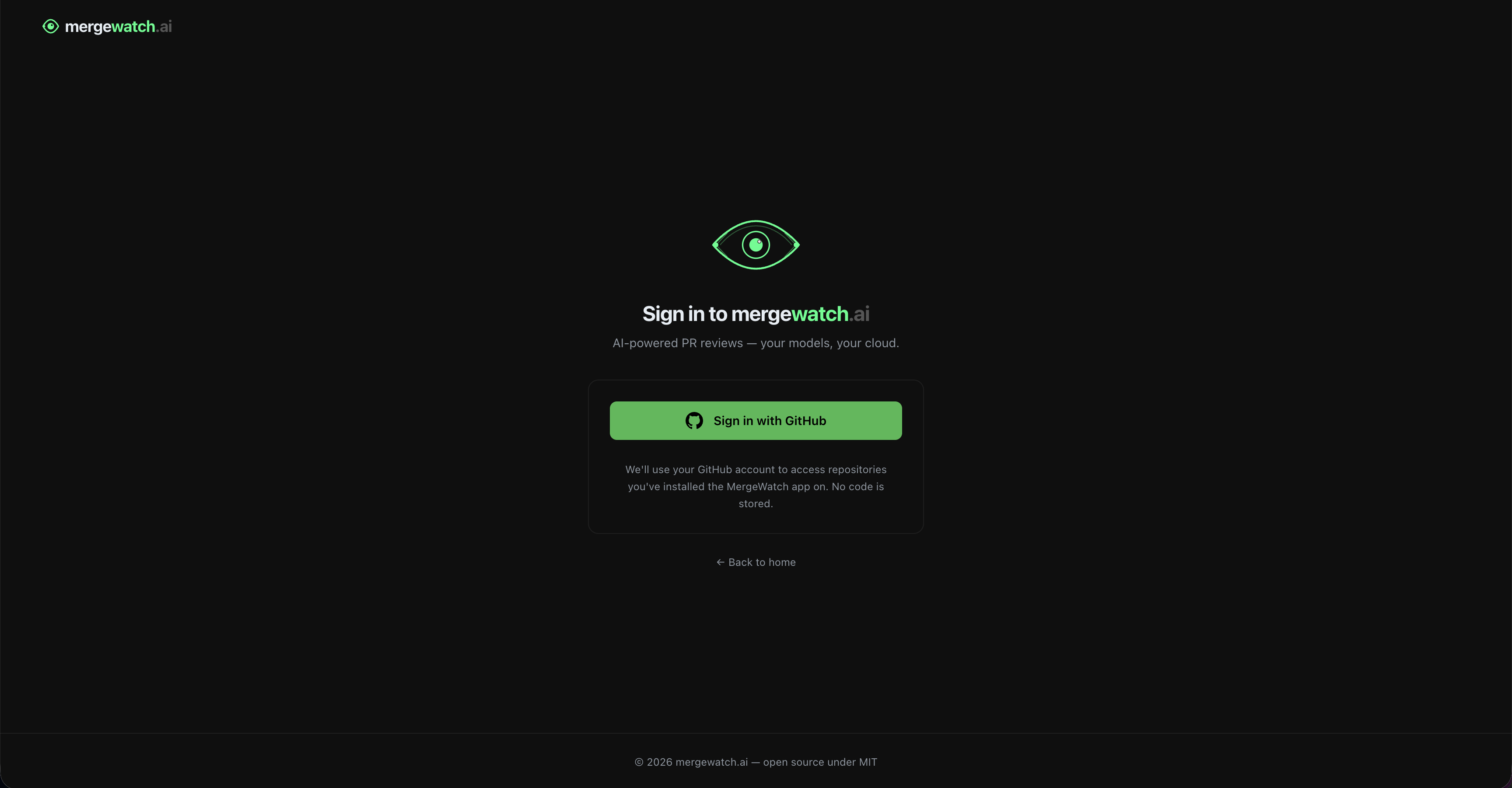 The dashboard uses **NextAuth.js with the GitHub provider**. The same GitHub App that handles webhooks also authenticates users — there is no separate OAuth app.
```mermaid theme={null}
sequenceDiagram
actor User
participant Dashboard
participant GitHub as GitHub OAuth
participant API as GitHub API
User->>Dashboard: Click "Sign in with GitHub"
Dashboard->>GitHub: Redirect (client_id)
GitHub->>User: Authorize prompt
User->>GitHub: Approve
GitHub->>Dashboard: Redirect with auth code
Dashboard->>GitHub: Exchange code for access token
Dashboard->>API: GET /user/installations
API-->>Dashboard: Installation IDs
Dashboard->>Dashboard: Scope all data to installation_id
```
### GitHub scopes requested
MergeWatch requests the **minimum scopes** needed:
| Scope | Why |
| ------------ | --------------------------------------------- |
| `read:user` | Get authenticated user's profile and username |
| `user:email` | Display user identity in the dashboard header |
The GitHub App installation permissions (not OAuth scopes) handle repository access — the OAuth login is purely for identity, not code access.
### Organization support
* **Org installation** — when a GitHub App is installed on an org, any org member with admin rights can access the dashboard for that installation
* **Access check** — the dashboard calls `GET /orgs/{org}/members/{username}` with `role=admin` to verify the user is an org admin before showing settings controls
* **Multiple installations** — a single user can have multiple installations (personal + multiple orgs). The dashboard shows all installations and lets them switch between them
* **No separate org concept** — GitHub's own org membership model is the source of truth for access control
### Session model
Sessions are stored as **encrypted JWT cookies** (default NextAuth behavior). No session database is needed. The JWT contains:
* GitHub user ID and username
* OAuth access token (for GitHub API calls from the frontend)
* Installation IDs the user has access to
Session expiry defaults to 30 days.
***
## Connecting dashboard to backend
The dashboard's Next.js API routes read from the same data store the webhook pipeline writes to — Postgres in self-hosted mode and DynamoDB in SaaS mode. There is **no HTTP call** from the dashboard to the Express/Lambda webhook server, so no public API URL environment variable is required.
```mermaid theme={null}
sequenceDiagram
participant User
participant Dash as Dashboard (Next.js)
participant Store as Postgres / DynamoDB
participant GH as GitHub API
User->>Dash: Open /dashboard/reviews
Dash->>GH: GET /user/installations
The dashboard uses **NextAuth.js with the GitHub provider**. The same GitHub App that handles webhooks also authenticates users — there is no separate OAuth app.
```mermaid theme={null}
sequenceDiagram
actor User
participant Dashboard
participant GitHub as GitHub OAuth
participant API as GitHub API
User->>Dashboard: Click "Sign in with GitHub"
Dashboard->>GitHub: Redirect (client_id)
GitHub->>User: Authorize prompt
User->>GitHub: Approve
GitHub->>Dashboard: Redirect with auth code
Dashboard->>GitHub: Exchange code for access token
Dashboard->>API: GET /user/installations
API-->>Dashboard: Installation IDs
Dashboard->>Dashboard: Scope all data to installation_id
```
### GitHub scopes requested
MergeWatch requests the **minimum scopes** needed:
| Scope | Why |
| ------------ | --------------------------------------------- |
| `read:user` | Get authenticated user's profile and username |
| `user:email` | Display user identity in the dashboard header |
The GitHub App installation permissions (not OAuth scopes) handle repository access — the OAuth login is purely for identity, not code access.
### Organization support
* **Org installation** — when a GitHub App is installed on an org, any org member with admin rights can access the dashboard for that installation
* **Access check** — the dashboard calls `GET /orgs/{org}/members/{username}` with `role=admin` to verify the user is an org admin before showing settings controls
* **Multiple installations** — a single user can have multiple installations (personal + multiple orgs). The dashboard shows all installations and lets them switch between them
* **No separate org concept** — GitHub's own org membership model is the source of truth for access control
### Session model
Sessions are stored as **encrypted JWT cookies** (default NextAuth behavior). No session database is needed. The JWT contains:
* GitHub user ID and username
* OAuth access token (for GitHub API calls from the frontend)
* Installation IDs the user has access to
Session expiry defaults to 30 days.
***
## Connecting dashboard to backend
The dashboard's Next.js API routes read from the same data store the webhook pipeline writes to — Postgres in self-hosted mode and DynamoDB in SaaS mode. There is **no HTTP call** from the dashboard to the Express/Lambda webhook server, so no public API URL environment variable is required.
```mermaid theme={null}
sequenceDiagram
participant User
participant Dash as Dashboard (Next.js)
participant Store as Postgres / DynamoDB
participant GH as GitHub API
User->>Dash: Open /dashboard/reviews
Dash->>GH: GET /user/installations
(validates OAuth token)
GH-->>Dash: Installation list
Dash->>Store: Query reviews scoped to installation_id
Store-->>Dash: Review data
Dash-->>User: Render reviews page
```
Access control lives in each `/api/*` route: it validates the NextAuth session, calls the GitHub API with the user's OAuth token to confirm installation access, then reads/writes the store.
***
## Troubleshooting
Run `npm ci` locally and confirm the build passes before pushing. Check that `package-lock.json` is committed.
The `NEXTAUTH_SECRET` or `NEXTAUTH_URL` environment variables are missing or incorrect. Confirm `NEXTAUTH_URL` exactly matches your dashboard URL (no trailing slash).
The dashboard cannot reach its data store. For self-hosted, verify `DATABASE_URL` resolves inside the container (the `db` service must be healthy — `docker compose ps` should show it as `healthy`). For SaaS, confirm the dashboard's IAM role can read the MergeWatch DynamoDB tables.
Add your dashboard URL to your GitHub App's **Callback URLs** in GitHub App settings (Settings > Developer settings > GitHub Apps > your app > General > Callback URL).
Confirm the `GITHUB_APP_ID` matches your deployed GitHub App. Mismatches cause installation lookups to return empty results.
***
Learn about the dashboard pages and access control model.
Deploy the full stack with Docker Compose.